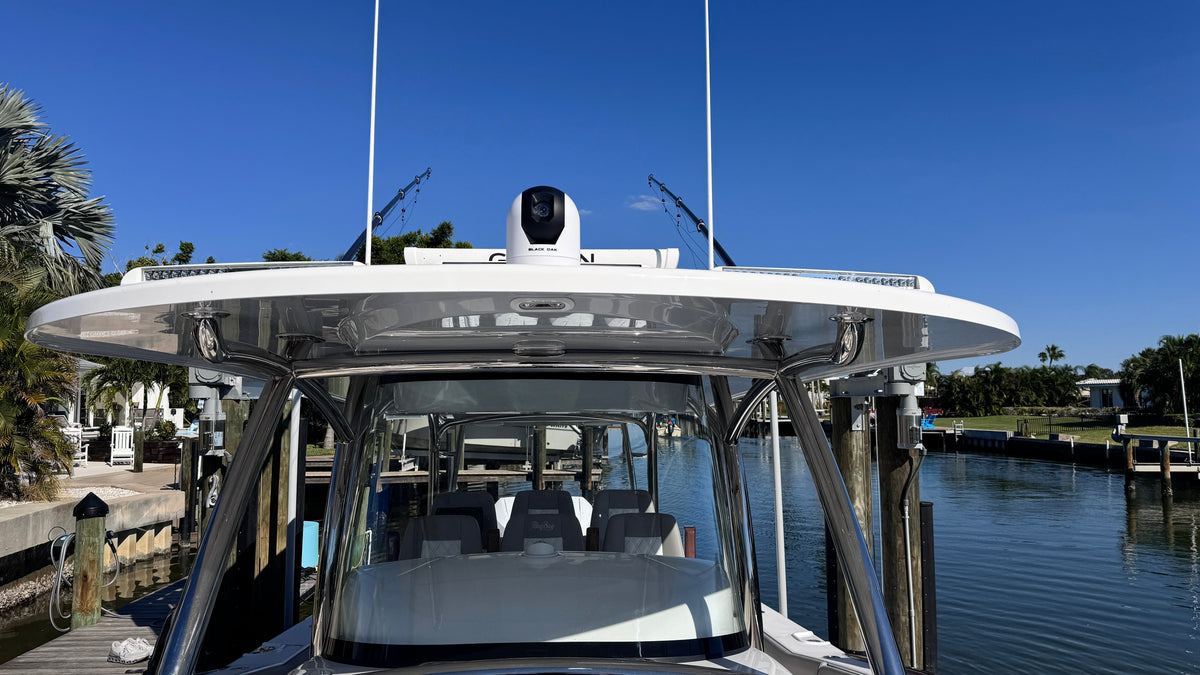
Running a boat home after dark is a different job than running it in daylight. Channel markers, other traffic, floating debris and shoreline all disappear the moment the sun goes down, and a spotlight only shows you what you are already pointed at. A night vision camera puts a second set of eyes on the water, feeding a live low-light or infrared picture to your MFD so you can see what a spotlight would miss entirely.
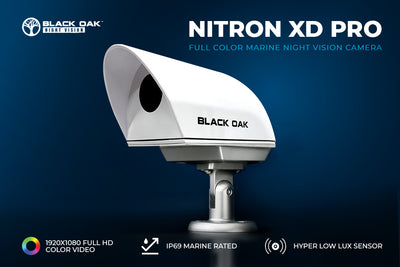
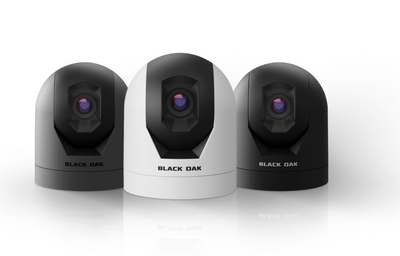
Black Oak builds two Nitron camera lines for this job: the Nitron XD Pro, a full color low-light camera, and the Nitron XR1, an infrared camera line with several detection-range variants. Shop the full lineup in the Night Vision Camera Packages collection or read on for how the two compare, which IR system and mount fit your boat, and how the install actually goes.

Nitron XD Pro vs. Nitron XR1
Nitron XD Pro (full color, low-light)
The XD Pro is a color camera built for low-light conditions rather than true darkness: dusk, dawn, overcast running, marina lighting, ambient moonlight. It outputs a full color picture at up to 4K resolution and 60 frames per second over HDMI, so detail (another boat's hull color, a channel marker's color, a person in the water) reads clearly on a compatible MFD or monitor. Because it depends on some ambient light, it is the pick for boaters who do most of their running in the gray hours around sunrise and sunset, or who want a camera that also earns its keep as a general docking and situational-awareness camera in daylight.

Nitron XR1 (infrared, true darkness)
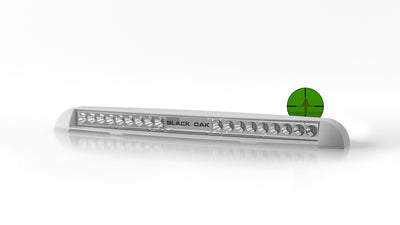
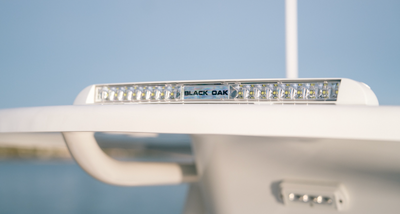
The XR1 is an infrared camera line built for total darkness: no moon, no shoreline lighting, offshore running with nothing but your own lights. Because it does not depend on ambient light, it is the pick for serious night runs, anchor-watch and security use, and hunting or fishing trips that start or end well before daylight. The XR1 ships in several IR system tiers (IR System, Enhanced IR System, Enhanced IR Plus System, Low Pro IR Extreme System) that trade detection range for cost, and in both a standard mount and a Low Pro mount for boats where deck clearance or a flush profile matters.

Which one
If most of your night running happens in the gray hours (dusk, dawn, marina lighting) and you want color detail, start with the XD Pro. If you run in true darkness (offshore, no ambient light, security or anchor watch) start with the XR1 and size the IR system tier to how far out you need to see. Boaters who do both often run one of each rather than trying to make one camera cover both jobs, since color low-light and true-darkness infrared solve different problems.
Choosing a mount and output
Mounting profile: standard vs. Low Pro
Standard mount cameras sit proud of the surface they are mounted to and give the widest range of aiming angles, which suits an arch, hardtop or radar arch mount with a clear line of sight. Low Pro mounts sit nearly flush, which matters on boats where a standard housing would catch a line, sit in a foot-traffic area, or stick out past a swim platform or gunwale.

Output: HDMI vs. analog
HDMI output carries the full-resolution digital picture and is the right choice for a modern MFD with an HDMI input; it is also what the XD Pro's 4K/60fps picture needs to be seen at full detail. Analog output stays compatible with older multifunction displays and standalone monitors that do not have an HDMI input. Check your MFD's input options before ordering: a camera bought in the wrong output format is the single most common return reason on this product line, and the collection page lists both output versions clearly for exactly this reason.
Installing and wiring a Nitron camera
- Pick the mounting location before you drill anything. For a stern-facing or all-around view, a hardtop, radar arch or tower mount gives the clearest sightline. For a bow or docking view, a bow rail or pulpit mount works well. Keep the lens away from your own exhaust or engine heat plume, both of which will wash out an infrared picture.
- Dry-fit the housing and confirm cable clearance before final mounting; both the standard and Low Pro housings need a clear run for the HDMI or analog cable and the power leads back to a dry, accessible splice point.
- Run the video cable (HDMI or analog, matching what you ordered) from the camera to the MFD or monitor, following an existing wire chase where one exists rather than drilling a new through-hull cable pass wherever possible.
- Wire power to a switched 12V source, ideally on its own breaker or fused circuit so the camera is not tied to a circuit you might cut for other reasons at night.
- Power up and set the MFD's video input to match the camera's output before final aiming; most installs find final aim easier at dusk rather than midday, since it is easier to judge whether the picture is actually usable in low light.
- On XR1 installs, keep the IR emitter's lens clean and unobstructed; a smear of salt spray or a rub rail in the frame will dim the detection range far more than the spec sheet difference between IR system tiers.

Real-world use cases
Running home after dark: the most common reason boaters add a Nitron camera is the ordinary one, a full day on the water that runs past sunset and a channel you would rather not navigate on memory alone.
Anchor watch and security: an XR1 aimed at the swim platform or companionway gives a live infrared view of the boat's most vulnerable approach points overnight.
Night fishing and hunting access: paired with the lighting setup covered in our night fishing lighting guide, a Nitron camera extends visibility past what deck and underwater lights alone can cover, particularly for the run out before first light.
Frequently asked questions
What is the real difference between the XD Pro and the XR1? XD Pro is full color and needs some ambient light; XR1 is infrared and works in total darkness.
Which is the better value, XD Pro or XR1? They solve different problems rather than one being a lesser version of the other; choose by how dark your typical run actually gets, not by price alone.
Can I run HDMI and analog on the same MFD? No, order the output that matches your MFD's actual input; the two are not interchangeable without a converter.
Does the IR system tier matter if I mostly run near shore? A lower IR system tier is adequate for close-range work like a marina or an anchorage; go up a tier for open-water or offshore detection range.
Nitron cameras are designed and assembled in Sarasota, Florida. Shop the full Nitron lineup and IR system tiers in the Night Vision Camera Packages collection.